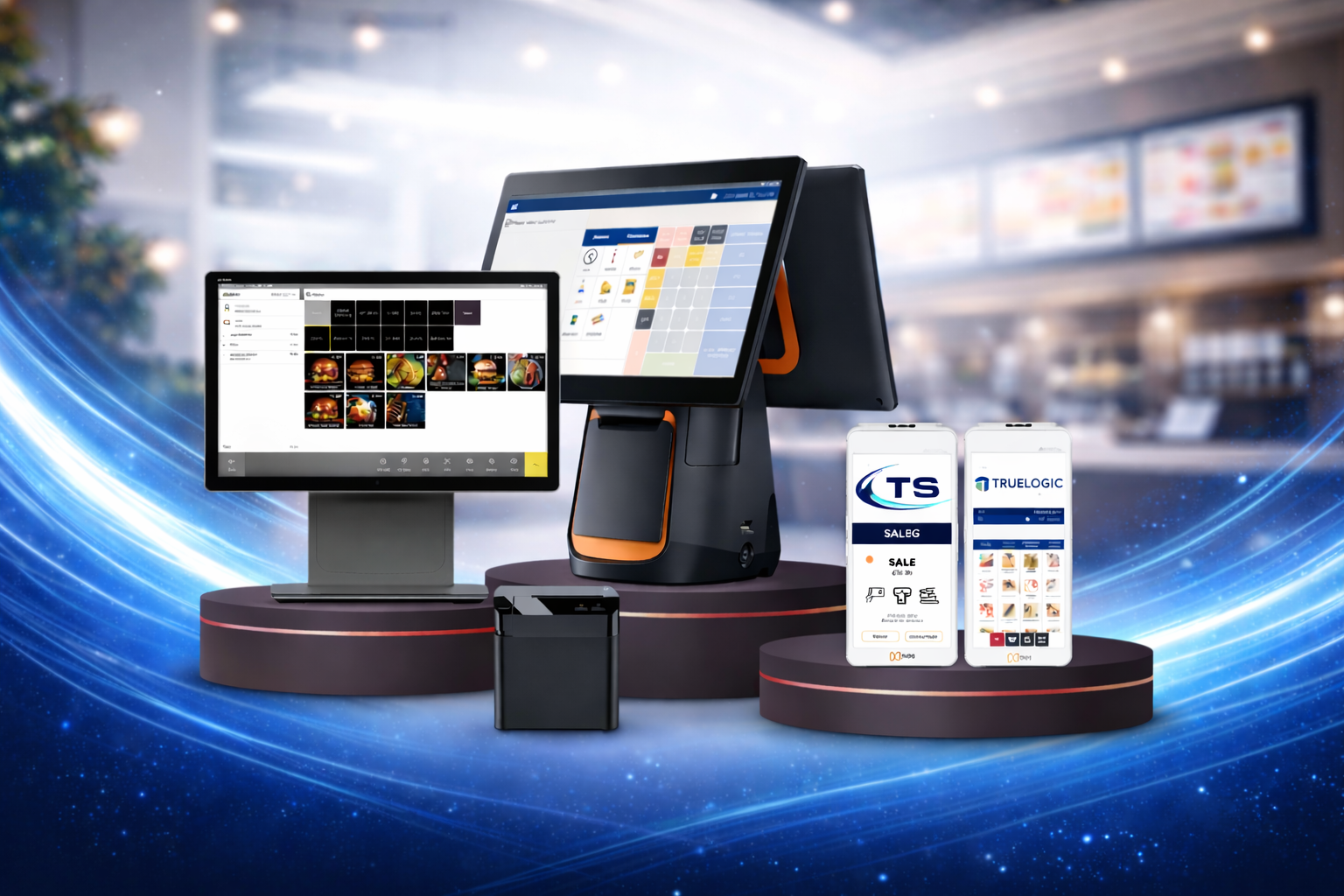
Let customers browse your menu, customise their order and pay on an easy touchscreen. Shorter queues, fewer mistakes and bigger baskets, without adding staff.
The problem with long queues
At busy times, customers walk away from long queues and staff rush orders, which leads to mistakes. Upselling is often forgotten when the counter is under pressure.
A self-order kiosk gives every customer a fast, consistent ordering experience. It suggests extras and meal upgrades every time, sends the order straight to the kitchen and frees your team to focus on food and service.
Key features
- Clear, photo-led menu with your branding
- Customisation: sizes, extras, removals and special instructions
- Automatic upsell and meal-deal prompts
- Allergen and dietary information on every item
- Card and contactless payment at the kiosk, or pay at the counter
- Orders sent directly to your EPOS, kitchen screen or printer
- Order number and receipt printing, with optional collection screen
- Multi-language menus for diverse customers
- Change prices, items and images centrally in minutes
How it works for your customers
- Tap to start and choose eat in or takeaway.
- Browse the menu and customise each item.
- Accept suggested extras or meal upgrades.
- Pay by card or contactless and collect a ticket with an order number.
Kiosk hardware
Choose floor-standing, wall-mounted or countertop kiosks with an integrated card reader and receipt printer. See our kiosk system hardware page for the full range.
Integrations
- Delivery platforms: Just Eat, Uber Eats and Deliveroo orders sent straight to your till and kitchen
- Card payments: integrated card terminals so totals are never re-keyed
- Kitchen display screens (KDS) and kitchen printers
- Online ordering website and mobile ordering app
- Accounting and reporting exports
Who it is for
Quick-service restaurants, burger and chicken shops, food courts, cafés, cinemas and any high-traffic venue where queues cost sales.
Pricing
Kiosk pricing depends on the model, the number of units and your integrations. Ask us for a quote that includes hardware, software, installation and support.
Frequently asked questions
Do kiosks really increase order value?
Kiosks show upsell and meal-deal prompts on every order, which staff cannot always do at busy times. During the demo we will show how to set these up for your menu.
Can customers pay with cash?
Yes, if you choose. Customers can order at the kiosk and pay cash at the counter.
Does the kiosk work with my EPOS?
Our kiosks connect directly to Truelogic EPOS. If you use another EPOS, ask us about our integration options.
Can I change the menu myself?
Yes. Update items, prices, images and availability from the back office, and the change appears on every kiosk.
How long does installation take?
Most installations take less than a day once the menu is built. We agree a date that avoids disruption to service.
Related solutions: Kiosk System Hardware · EPOS System · Digital Menu Boards
Book a free demo
See a self-order kiosk running your menu. Call +44 7833 610826, email sales@truelogicsolutions.co.uk, or send us a message and we will reply within one working day.